
@import url("https://fonts.googleapis.com/css2?family=Rubik:wght@300&display=swap");

/* Sets the background color of the body to blue. Sets font to Rubik */

body {
    background-color: #0a2344;
    font-family: "rubik", sans-serif;
}

/* Aligns the heading text to the center. */

h1 {
    text-align: center;
}

/* Sets the width for the accordion. Sets the margin to 90px on the top and bottom and auto to the left and right */

.accordion {
    width: 800px;
    margin: 90px auto;
    color: black;
    background-color: white;
    padding: 45px 45px;
}

.accordion .container {
    position: relative;
    margin: 10px 10px;
}

/* Positions the labels relative to the .container. Adds padding to the top and bottom and increases font size. Also makes its cursor a pointer */

.accordion .label {
    position: relative;
    padding: 10px 0;
    font-size: 30px;
    color: black;
    cursor: pointer;
}

/* Positions the plus sign 5px from the right. Centers it using the transform property. */

.accordion .label::before {
    content: "+";
    color: black;
    position: absolute;
    top: 50%;
    right: -5px;
    font-size: 30px;
    transform: translateY(-50%);
}

/* Hides the content (height: 0), decreases font size, justifies text and adds transition */

.accordion .content {
    position: relative;
    background: white;
    height: 0;
    font-size: 20px;
    text-align: justify;
    width: 780px;
    overflow: hidden;
    transition: 0.5s;
}

/* Adds a horizontal line between the contents */

.accordion hr {
    width: 100;
    margin-left: 0;
    border: 1px solid grey;
}

/* Unhides the content part when active. Sets the height */

.accordion .container.active .content {
    height: 150px;
}

/* Changes from plus sign to negative sign once active */

.accordion .container.active .label::before {
    content: "-";
    font-size: 30px;
}Component details
Overview, install command, dependencies, and project links.
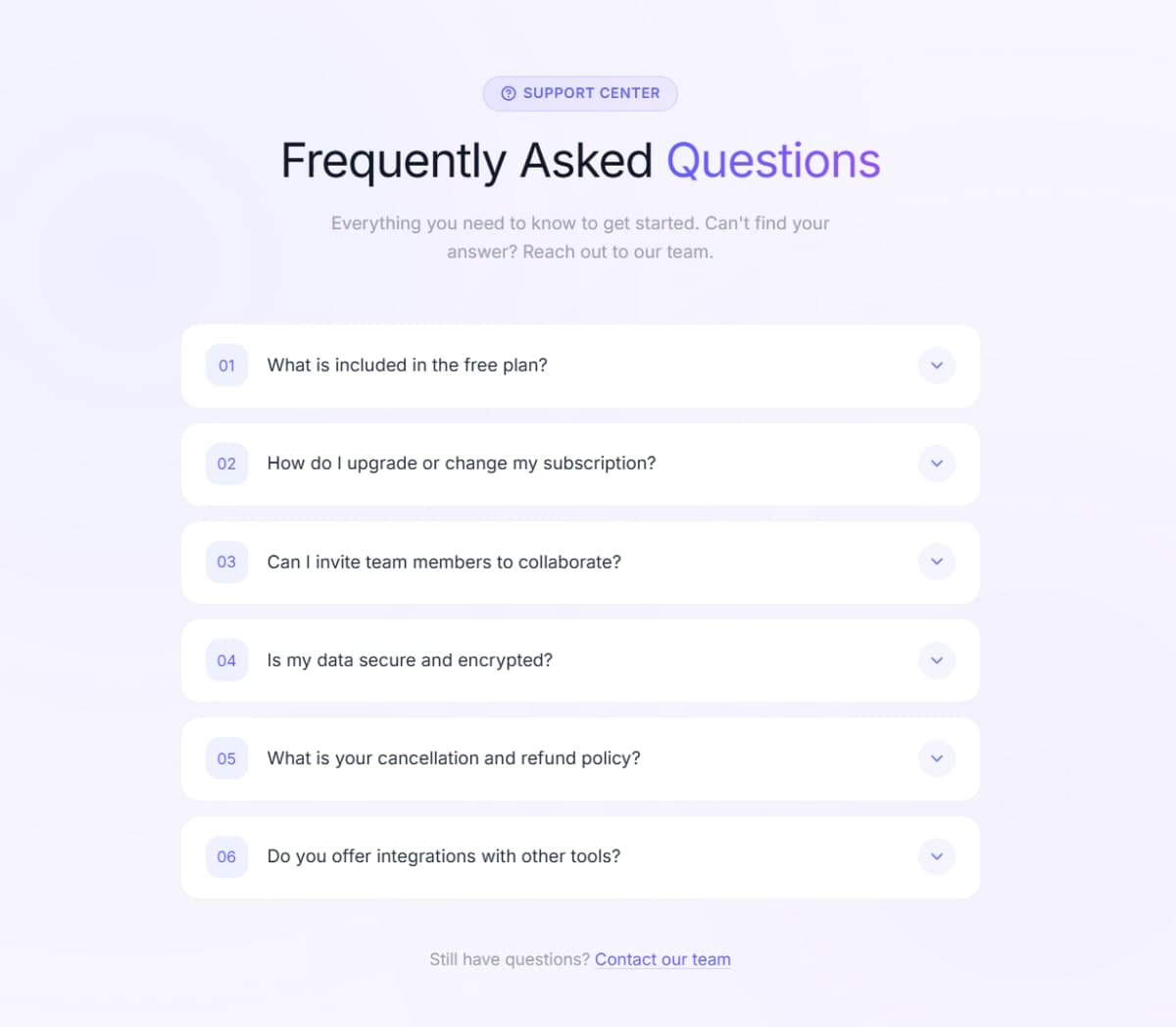
A clean FAQ accordion built with plain HTML, CSS, and vanilla JavaScript - no libraries, no dependencies. Click any question to expand the answer, click again to collapse it. Multiple items can stay open at the same time. The toggle indicator switches between + and - using a CSS ::before pseudo-element, so no extra HTML needed. The expand/collapse animation runs on a CSS height transition with overflow: hidden - smooth and lightweight. Styled with a white card on a dark navy background using the Rubik font from Google Fonts. Six questions covering HTML, CSS, JavaScript, React, PHP, and Node.js - easy to swap out for your own content by just editing the .container divs in the HTML.
Discussion
Feedback, implementation tips, and usage notes.
Comments
Sign in to join the conversation
Similar Components
More from the same category