Oct 4, 2026Sidebar - React Admin Dashboard Sidebar
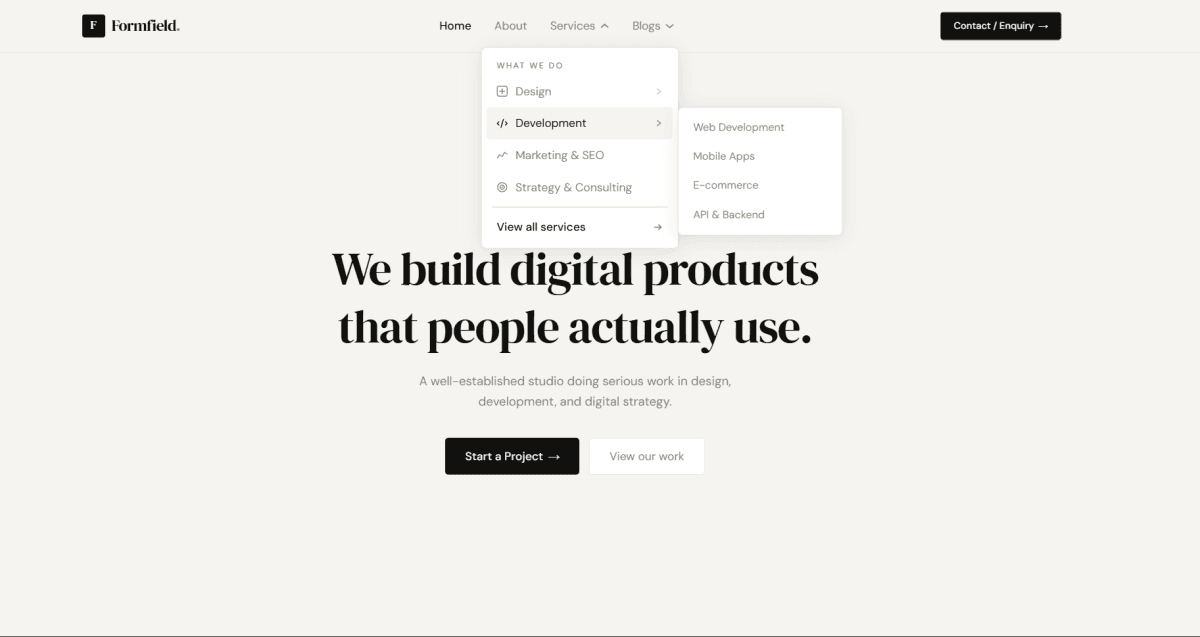
A free React admin dashboard sidebar built with TypeScript, Tailwind CSS, and Lucide icons. It works as the main navigation for admin panels, SaaS dashboards, and internal tools. Links are grouped into titled sections, and any link can become a dropdown with nested sub-links. Open groups expand with a smooth height animation, and the active sub-link is marked with an accent line on the guide rail. If the active link is inside a group, that group opens automatically. Badges show either a counter (like unread messages) or a text pill like "New" or "Soon", and any link can be disabled.
On desktop, the sidebar collapses into a slim icon rail with the button next to the logo. In the rail, hovering a link shows a tooltip, and clicking a dropdown group opens a flyout menu beside it. Hovering the logo turns it into an expand button. On mobile, the sidebar becomes a slide-in drawer with a dimmed backdrop that locks page scroll and closes with Escape, a backdrop tap, or after picking a link.
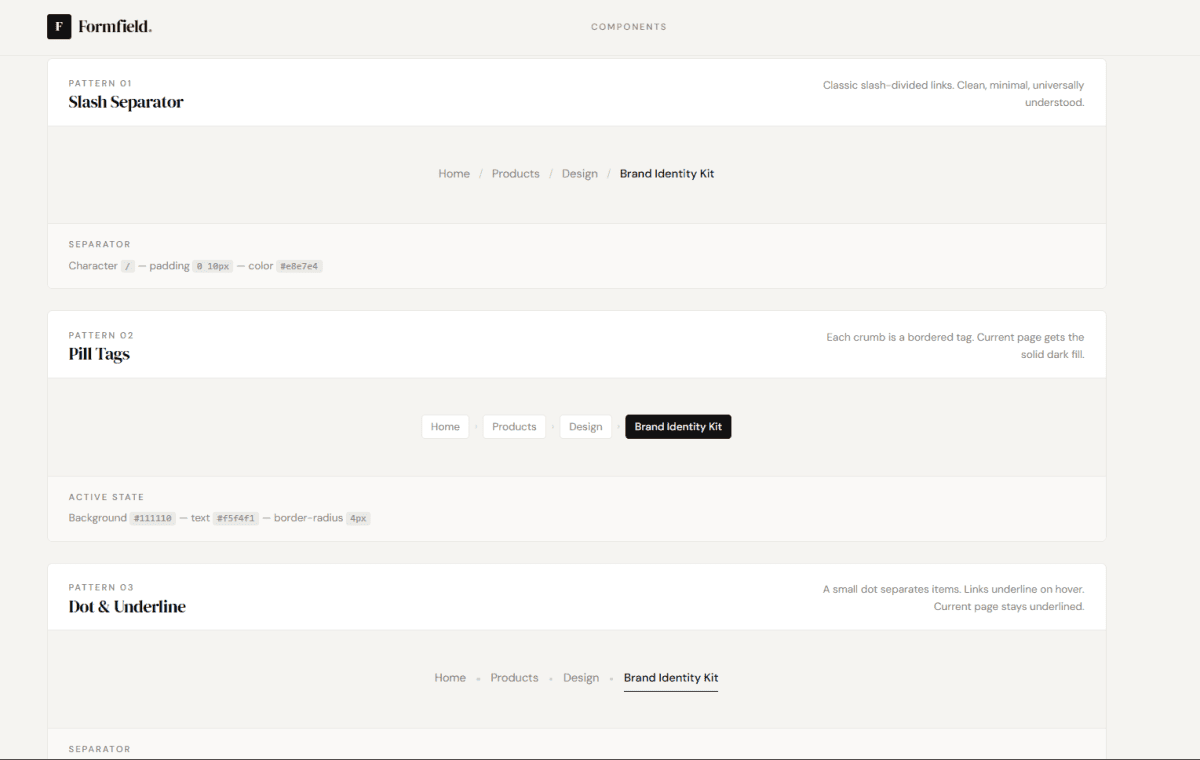
The search button supports a Ctrl K / ⌘K shortcut and shows the right key for the user's OS. The user menu at the bottom shows the name, email, and role, with Profile, Settings, and Log out actions. It falls back to initials when there is no avatar image. A single accentColor prop takes any hex color and themes the active states, focus rings, badges, and logo. Collapsed state and the active link can be controlled or left to the component. The onNavigate callback lets you plug in React Router or Next.js routing, and a findSidebarLink helper builds breadcrumbs from the same data. All links live in one data file, so you can edit the menu without touching the component. Animations are turned off when prefers-reduced-motion is enabled. It works in Vite, Create React App, and Next.js.