<!doctype html>
<html>
  <head>
    <meta charset="UTF-8" />
    <meta name="viewport" content="width=device-width, initial-scale=1.0" />
    <script src="https://cdn.jsdelivr.net/npm/@tailwindcss/browser@4"></script>
  </head>
  <body class="w-screen h-screen flex items-center justify-center">
    <div class="max-w-2xs sm:max-w-md md:max-w-2xl lg:max-w-4xl">
      <!-- Accordion Item 1 -->
      <div class="border-b border-slate-200">
        <button
          onclick="toggleAccordion(1)"
          class="w-full flex justify-between items-center py-5 text-slate-800 cursor-pointer"
        >
          <span>What is Material Tailwind?</span>
          <span
            id="icon-1"
            class="text-slate-800 transition-transform duration-300"
          >
            <svg
              xmlns="http://www.w3.org/2000/svg"
              viewBox="0 0 16 16"
              fill="currentColor"
              class="w-4 h-4"
            >
              <path
                d="M8.75 3.75a.75.75 0 0 0-1.5 0v3.5h-3.5a.75.75 0 0 0 0 1.5h3.5v3.5a.75.75 0 0 0 1.5 0v-3.5h3.5a.75.75 0 0 0 0-1.5h-3.5v-3.5Z"
              />
            </svg>
          </span>
        </button>
        <div
          id="content-1"
          class="max-h-0 opacity-0 overflow-hidden transition-all duration-500 ease-in-out"
        >
          <div class="pb-5 text-sm text-slate-500">
            Material Tailwind is a framework that enhances Tailwind CSS with
            additional styles and components.
          </div>
        </div>
      </div>

      <!-- Accordion Item 2 -->
      <div class="border-b border-slate-200">
        <button
          onclick="toggleAccordion(2)"
          class="w-full flex justify-between items-center py-5 text-slate-800 cursor-pointer"
        >
          <span>How to use Material Tailwind?</span>
          <span
            id="icon-2"
            class="text-slate-800 transition-transform duration-300"
          >
            <svg
              xmlns="http://www.w3.org/2000/svg"
              viewBox="0 0 16 16"
              fill="currentColor"
              class="w-4 h-4"
            >
              <path
                d="M8.75 3.75a.75.75 0 0 0-1.5 0v3.5h-3.5a.75.75 0 0 0 0 1.5h3.5v3.5a.75.75 0 0 0 1.5 0v-3.5h3.5a.75.75 0 0 0 0-1.5h-3.5v-3.5Z"
              />
            </svg>
          </span>
        </button>
        <div
          id="content-2"
          class="max-h-0 opacity-0 overflow-hidden transition-all duration-500 ease-in-out"
        >
          <div class="pb-5 text-sm text-slate-500">
            You can use Material Tailwind by importing its components into your
            Tailwind CSS project.
          </div>
        </div>
      </div>

      <!-- Accordion Item 3 -->
      <div class="border-b border-slate-200">
        <button
          onclick="toggleAccordion(3)"
          class="w-full flex justify-between items-center py-5 text-slate-800 cursor-pointer"
        >
          <span>What can I do with Material Tailwind?</span>
          <span
            id="icon-3"
            class="text-slate-800 transition-transform duration-300"
          >
            <svg
              xmlns="http://www.w3.org/2000/svg"
              viewBox="0 0 16 16"
              fill="currentColor"
              class="w-4 h-4"
            >
              <path
                d="M8.75 3.75a.75.75 0 0 0-1.5 0v3.5h-3.5a.75.75 0 0 0 0 1.5h3.5v3.5a.75.75 0 0 0 1.5 0v-3.5h3.5a.75.75 0 0 0 0-1.5h-3.5v-3.5Z"
              />
            </svg>
          </span>
        </button>
        <div
          id="content-3"
          class="max-h-0 opacity-0 overflow-hidden transition-all duration-500 ease-in-out"
        >
          <div class="pb-5 text-sm text-slate-500">
            Material Tailwind allows you to quickly build modern, responsive
            websites with a focus on design.
          </div>
        </div>
      </div>
    </div>

    <script src="app.js"></script>
  </body>
</html>Component details
Overview, install command, dependencies, and project links.
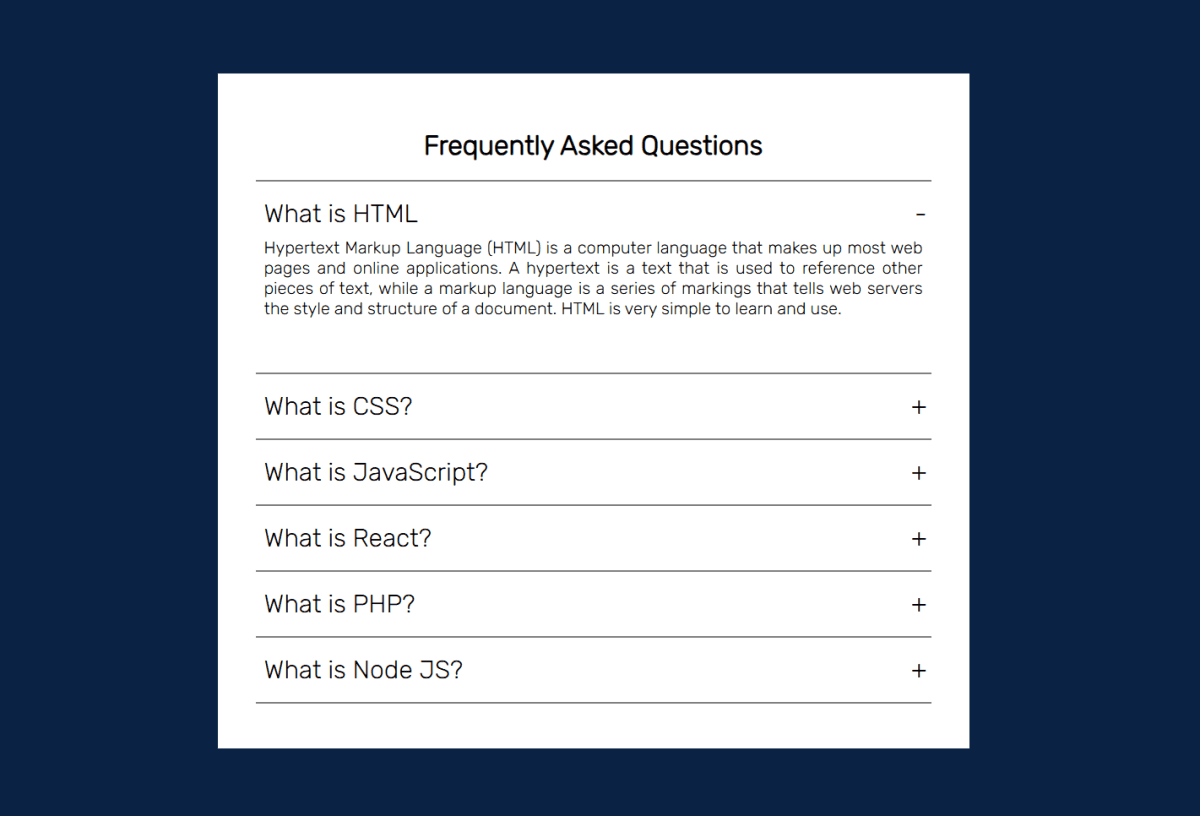
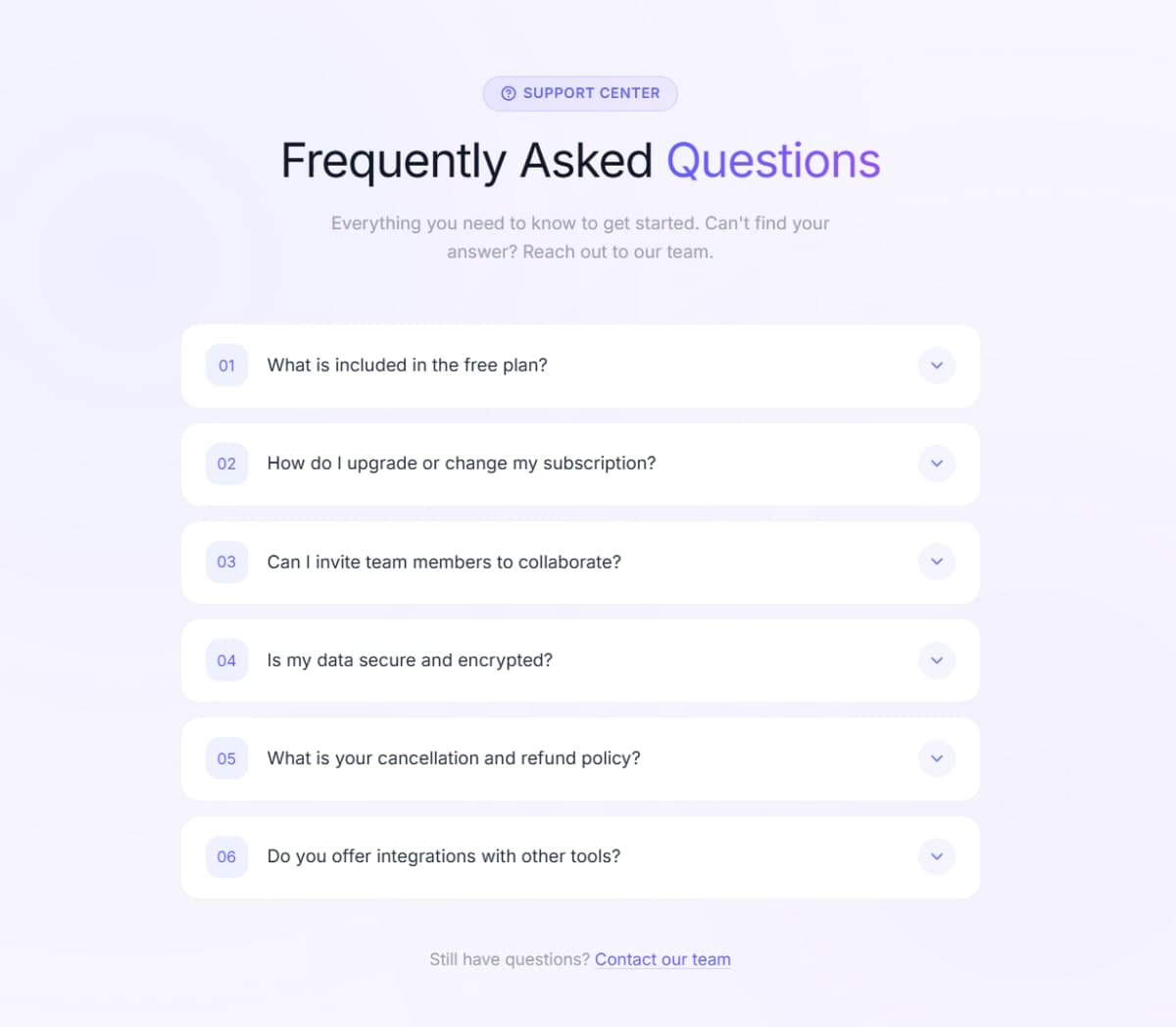
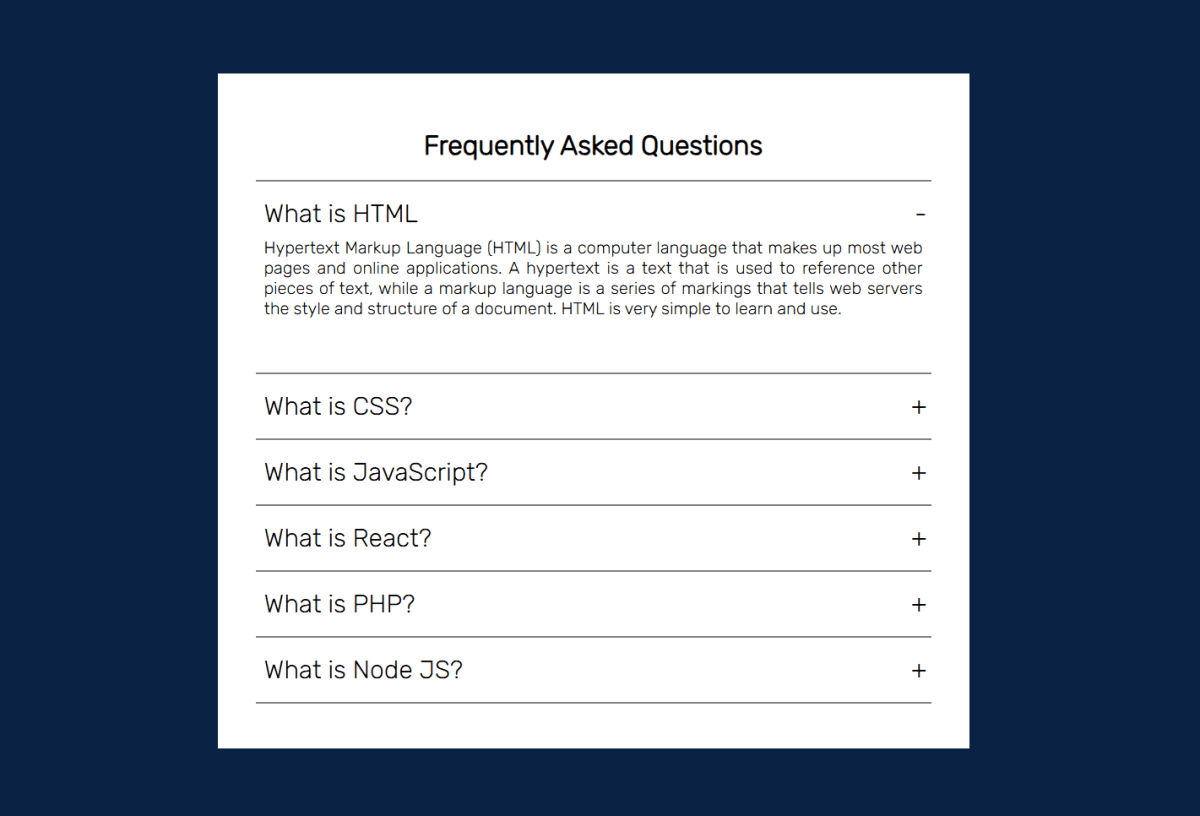
A minimal, single-open accordion built entirely with Tailwind CSS and a small vanilla JavaScript toggle function - no custom CSS, no external libraries. Each item expands smoothly using max-h and opacity transitions controlled by Tailwind utility classes swapped in and out via JS. The toggle icon is a + SVG that rotates 45° into an × when the item opens, giving a clean visual indicator without swapping elements. Only one accordion item can be open at a time - opening a new one automatically closes the previous. Fully responsive across mobile, tablet, and desktop using Tailwind's responsive breakpoint prefixes. Uses the Tailwind CSS v4 browser CDN so it works in a single HTML file with zero setup.
Discussion
Feedback, implementation tips, and usage notes.
Comments
Sign in to join the conversation
Similar Components
More from the same category