// src/components/PillLoader/PillLoader.tsx
import { motion, useReducedMotion } from "framer-motion";
import { useId } from "react";

type PillLoaderProps = {
  className?: string;
  /** Width in px — height is always half the width */
  size?: number;
  /** Seconds for one full lap */
  speed?: number;
  label?: string;
};

// Outer pill (stadium) path, clockwise from top-left
const OUTER_PATH =
  "M 100 20 L 300 20 A 80 80 0 0 1 300 180 " +
  "L 100 180 A 80 80 0 0 1 100 20 Z";

// Inner pill path
const INNER_PATH =
  "M 108 62 L 292 62 A 38 38 0 0 1 292 138 " +
  "L 108 138 A 38 38 0 0 1 108 62 Z";

export function PillLoader({
  className = "",
  size = 180,
  speed = 2,
  label = "Loading",
}: PillLoaderProps) {
  const uid = useId().replace(/:/g, "");
  const reduce = useReducedMotion();

  return (
    <div
      className={`flex flex-col items-center gap-4 ${className}`}
      role="status"
      aria-label={label || "Loading"}
    >
      <div
        className="relative aspect-[2/1]"
        style={{ width: size, maxWidth: "100%" }}
      >
        <svg
          viewBox="0 0 400 200"
          className="h-full w-full overflow-visible"
          fill="none"
          aria-hidden="true"
        >
          <defs>
            {/* Outer gradient */}
            <linearGradient id={`po-${uid}`} x1="0" y1="0" x2="1" y2="0">
              <stop offset="0%" stopColor="#00E676" />
              <stop offset="50%" stopColor="#00E5DE" />
              <stop offset="100%" stopColor="#3D4DFF" />
            </linearGradient>

            {/* Inner gradient */}
            <linearGradient id={`pi-${uid}`} x1="1" y1="0" x2="0" y2="0">
              <stop offset="0%" stopColor="#FF9F1A" />
              <stop offset="50%" stopColor="#FF2D2D" />
              <stop offset="100%" stopColor="#FF3DF5" />
            </linearGradient>

            <filter
              id={`pglow-${uid}`}
              x="-40%"
              y="-60%"
              width="180%"
              height="220%"
            >
              <feGaussianBlur stdDeviation="3" result="b" />
              <feMerge>
                <feMergeNode in="b" />
                <feMergeNode in="SourceGraphic" />
              </feMerge>
            </filter>
          </defs>

          {/* Faint tracks so the shape is always visible */}
          <path
            d={OUTER_PATH}
            stroke="currentColor"
            strokeOpacity={0.08}
            strokeWidth={22}
          />
          <path
            d={INNER_PATH}
            stroke="currentColor"
            strokeOpacity={0.08}
            strokeWidth={20}
          />

          <g filter={`url(#pglow-${uid})`}>
            {/* Outer runners — two comets chasing each other, clockwise.
                Dash + gap = 0.5, so the pattern repeats twice per lap. */}
            <motion.path
              d={OUTER_PATH}
              stroke={`url(#po-${uid})`}
              strokeWidth={22}
              strokeLinecap="round"
              pathLength={1}
              strokeDasharray="0.2 0.3"
              initial={{ strokeDashoffset: 0 }}
              animate={reduce ? {} : { strokeDashoffset: [0, -1] }}
              transition={{
                duration: speed,
                repeat: Infinity,
                ease: "linear",
              }}
            />

            {/* Inner runners — two shorter comets, counter-clockwise */}
            <motion.path
              d={INNER_PATH}
              stroke={`url(#pi-${uid})`}
              strokeWidth={20}
              strokeLinecap="round"
              pathLength={1}
              strokeDasharray="0.14 0.36"
              initial={{ strokeDashoffset: 0.25 }}
              animate={reduce ? {} : { strokeDashoffset: [0.25, 1.25] }}
              transition={{
                duration: speed * 1.3,
                repeat: Infinity,
                ease: "linear",
              }}
            />
          </g>
        </svg>
      </div>

      {label && (
        <motion.span
          aria-hidden="true"
          className="text-sm font-medium tracking-[0.2em] text-neutral-400 uppercase"
          animate={reduce ? {} : { opacity: [0.4, 1, 0.4] }}
          transition={{ duration: 1.6, repeat: Infinity, ease: "easeInOut" }}
        >
          {label}
        </motion.span>
      )}
    </div>
  );
}
// Component Source: https://codekk.devComponent details
Overview, install command, dependencies, and project links.
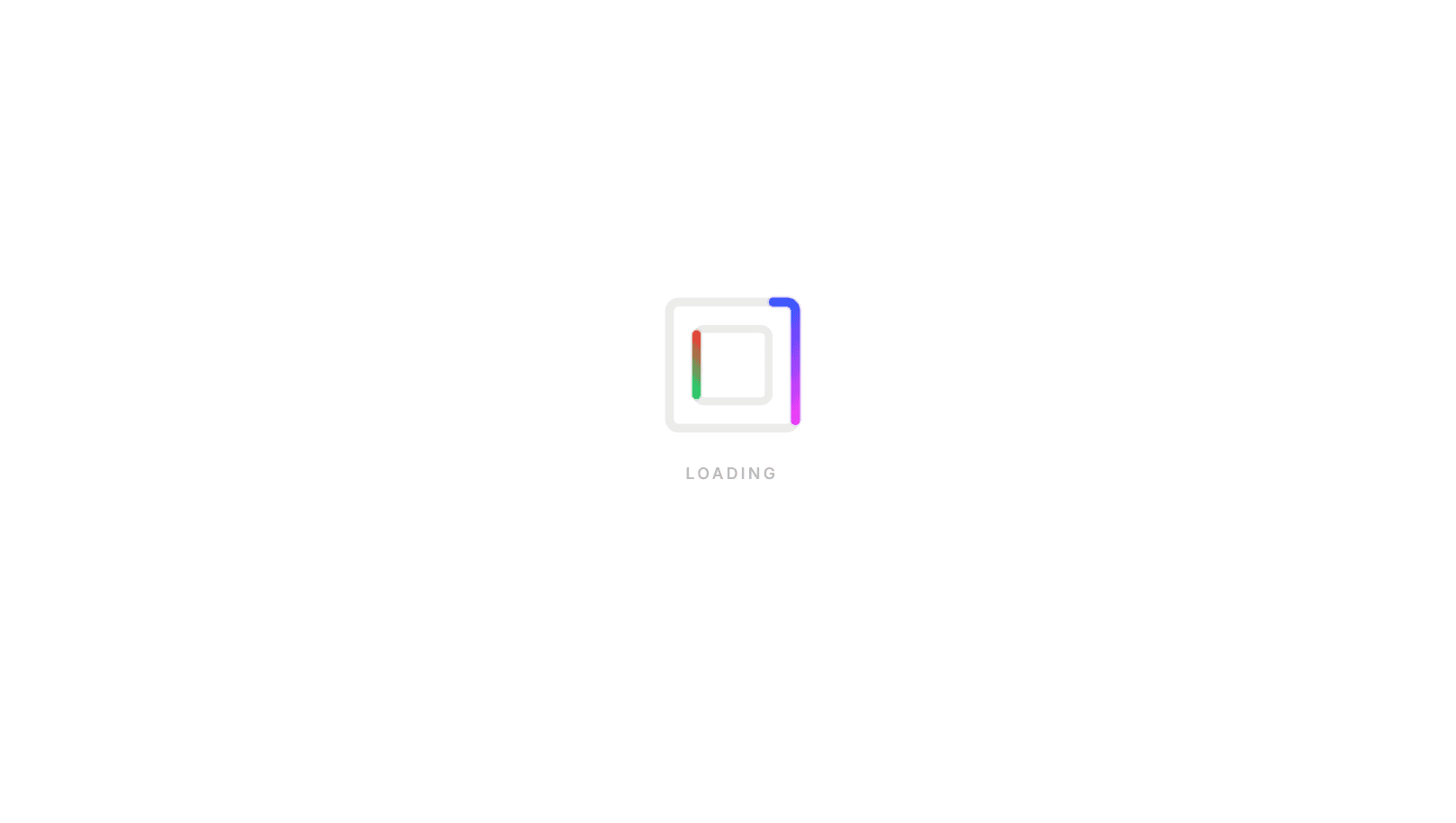
An animated pill loader for React built with TypeScript, Framer Motion, and SVG. The wide 2:1 shape fits naturally inside buttons, headers, cards, and inline loading states, where a square spinner feels too bulky. Two nested pill-shaped tracks each carry a pair of glowing comet runners that chase each other around the loop. The outer pair moves clockwise, and the inner pair moves counter-clockwise at a slower pace and starts a quarter-lap offset, so the runners keep crossing past each other instead of lining up. Each loop is a single SVG path animated through strokeDashoffset. With pathLength={1}, the dash and gap add up to exactly half the path, so the pattern repeats twice per lap and gives you two runners from one element. The outer loop uses a green-to-cyan-to-blue gradient and the inner loop an orange-to-red-to-magenta gradient running in the opposite direction, both softened with a Gaussian blur glow filter. Faint background tracks use currentColor at low opacity, so the shape stays visible and adapts to light or dark themes. Gradient and filter IDs come from React's useId, so multiple loaders can share a page without conflicts. The wrapper uses role="status" with an accessible label, and the pulsing visible label is hidden from screen readers so the status is announced once, not twice. All motion stops when prefers-reduced-motion is enabled. Size, speed, and label are configurable via props. It works in Vite, Create React App, and Next.js, and pairs with the Animated Loop Loader for a matching set.
Discussion
Feedback, implementation tips, and usage notes.
Comments
Sign in to join the conversation
Similar Components
More from the same category