

CommonJS vs ES Modules in Node.js
require and import both load code, but they were built at different times for different problems, and mixing them without understanding why causes real bugs. This blog breaks down how CommonJS and ES Modules actually differ, when Node uses which one, and how to avoid the interop mistakes that trip u
You've typed both require() and import. Do you actually know why both exist?
At some point you've copy-pasted a snippet that used require("express"), and at some other point you've copy-pasted one that used import express from "express". Maybe you've even hit an error switching between the two and just changed the syntax until it worked, without really knowing why one broke and the other didn't.
Both are ways of loading code from one file into another. But they come from two different eras of JavaScript, solve the problem in genuinely different ways, and understanding that difference is what stops you from hitting the same "Cannot use import statement outside a module" error over and over without knowing why.
[IMAGE: A split illustration showing two file icons on the left labeled with require() syntax and two file icons on the right labeled with import syntax, connected by different colored arrow styles (solid for synchronous, dashed for asynchronous), placed right after this intro paragraph]
Why did JavaScript need a module system at all?
Back before any of this existed, JavaScript in the browser had one shared global scope. Every <script> tag on a page dumped its variables and functions into the same space. If two scripts happened to name something the same way, one would silently overwrite the other. There was no real way to say "this code depends on that code" in a structured way, you just had to load your <script> tags in the right order and hope nothing collided.
When Node.js showed up in 2009, it needed a way for server-side JavaScript to load code from other files in a organized, predictable way, and JavaScript itself didn't have an official answer yet, the language spec hadn't caught up. So Node adopted CommonJS, a module format that was already being discussed in the wider JS community, and built require() and module.exports around it.
Years later, JavaScript as a language finally got its own official, built-in module system as part of ES6 (ECMAScript 2015), commonly called ES Modules or ESM. It was designed to work in browsers, where files load over the network, not from a fast local disk, so it made different tradeoffs from CommonJS on purpose. Node eventually added support for ES Modules too, which is why you can now write either style in a Node project, and why picking the wrong one for your setup causes errors.
The core difference, with an analogy
Think of CommonJS require() like walking up to a shop counter and asking for an item right there. The clerk goes, fetches it, hands it to you, and only then can you move on to your next task. Everything waits until that item is in your hands. That's synchronous loading, one thing at a time, in order, blocking until it's done.
ES Modules work more like filling out an order form ahead of time, listing exactly what you need before anything actually happens. Because the full list of what's needed is declared upfront, the store can prepare multiple orders in parallel, know in advance what's actually being used, and skip packing anything that never gets requested. That's the core idea behind ES Modules being asynchronous and statically analyzable, tools can look at your import statements without even running your code and know exactly what's used and what isn't.
CommonJS in practice
js
// math.js
function add(a, b) {
  return a + b;
}

module.exports = { add };
js
// app.js
const { add } = require("./math");

console.log(add(2, 3)); // 5
require() can technically be called anywhere in your code, even conditionally inside an if block, because it runs synchronously at the exact line it's called. module.exports is just a regular JavaScript object you attach things to, there's nothing special about it beyond that.
ES Modules in practice
js
// math.mjs
export function add(a, b) {
  return a + b;
}
js
// app.mjs
import { add } from "./math.mjs";

console.log(add(2, 3)); // 5
import statements have to sit at the top level of a file, you can't conditionally import inside an if block the way you can with require() (there's a separate import() function for that, which returns a promise). This restriction is intentional, it's what lets tools analyze your imports statically without running the code first.
How Node knows which one you're using
This is where most of the actual confusion comes from. By default, Node treats .js files as CommonJS. To use ES Modules, you need to do one of two things:
json
// package.json
{
  "type": "module"
}
Adding "type": "module" to your package.json tells Node to treat every .js file in that project as an ES Module by default. Alternatively, you can skip that setting entirely and just name your files .mjs for ES Modules or .cjs for CommonJS explicitly, regardless of what the rest of the project is doing.
[IMAGE: A simple decision flowchart showing "What does your package.json say?" branching to two paths, one leading to CommonJS with require() and one leading to ES Modules with import, placed right after the package.json code block]
A quick side-by-side
CommonJS | ES Modules | |
|---|---|---|
Import syntax |
|
|
Export syntax |
|
|
Loading | Synchronous, blocking | Asynchronous by design |
Can be used conditionally | Yes, anywhere in code | No, top-level only ( |
Static analysis | No, resolved at runtime | Yes, resolved before execution |
Tree-shaking support | Not natively | Yes, bundlers can drop unused exports |
File extension |
|
|
| Available by default | Not available, use |
Where this actually trips people up
Mixing require and import in the same file. Node will throw an error the moment you use import syntax in a file it's treating as CommonJS, or use require() in a file it's treating as ESM. The fix is always the same: check what your package.json and file extension say the file actually is, and match your syntax to that.
Assuming __dirname just works. In CommonJS, __dirname and __filename are available automatically. In ES Modules, they're not, you need import.meta.url and a bit of extra code to get the equivalent. This trips up a lot of developers migrating an existing CommonJS project to ESM.
Trying to require() a package that only ships ES Modules. Some newer npm packages ship only as ESM. If your project is set up as CommonJS, require()-ing one of these will fail. You either need to switch your project to ESM, or use the dynamic import() function, which works from CommonJS files too since it returns a promise.
Not realizing TypeScript adds another layer here. If you're working with TypeScript, your tsconfig.json's module setting decides what your compiled output actually looks like, CommonJS or ESM, regardless of which syntax you write in your source files. This is a common source of confusion for anyone coming from
import syntax and still compile down to require() calls under the hood if your config says so.[IMAGE: A visual comparing a broken interop attempt (a CommonJS file trying to require() an ESM-only package with a red X) against a working fix (the same file using dynamic import() with a green checkmark), placed right after the "Trying to require() a package" section]
Why this connects to how Node actually runs your code
If you've read
sync and async in Node.js, you already know Node cares a lot about what blocks and what doesn't. CommonJS's synchronousrequire() calls fit naturally into that older model, everything happens in order, on the main thread, before moving forward. ES Modules being asynchronous by design lines up with how modern JavaScript tooling generally wants things to work, non-blocking, resolved ahead of time, and friendlier to bundlers and browsers where files aren't sitting on a local disk. If you've set up a project with Node.js and Express.js, you've likely used CommonJS without thinking about it, since that's still Node's default unless you explicitly opt into ESM.What to actually take away from this
Neither system is objectively better, they were built for different environments and different points in JavaScript's history. CommonJS is synchronous, flexible about where you call require(), and still Node's default. ES Modules are asynchronous, stricter about structure, and the direction the JavaScript ecosystem has been moving for years, especially with tooling that relies on static analysis like tree-shaking. The actual skill isn't picking a side, it's knowing which one your project is set up for, checking your package.json and file extensions before writing either syntax, and understanding why an error is happening instead of just swapping keywords until it compiles.
Related Articles
More insights you might enjoy

Async/Await in JavaScript - How It Actually Works and Why It Exists
How async/await works in JavaScript - async functions, await, error handling, parallel vs sequential execution, and the most common mistakes explained.

Node.js and Express.js - What They Are, How They Differ, and How They Work Together
Node.js and Express.js are not the same thing. This guide explains what each does, how they work together, and covers routing, middleware, and error handling with real code.

How the JavaScript Event Loop Actually Works - A Deep Dive
A complete deep dive into the JavaScript event loop - the call stack, callback queue, microtask queue, and how they work together to make async JavaScript possible.

How JWT Authentication Actually Works - Explained Properly
Most developers use JWT without really understanding how it works. This blog explains what's inside a JWT, how signature verification works without a database call, and how to implement it properly in Express with refresh tokens and role-based authorization.
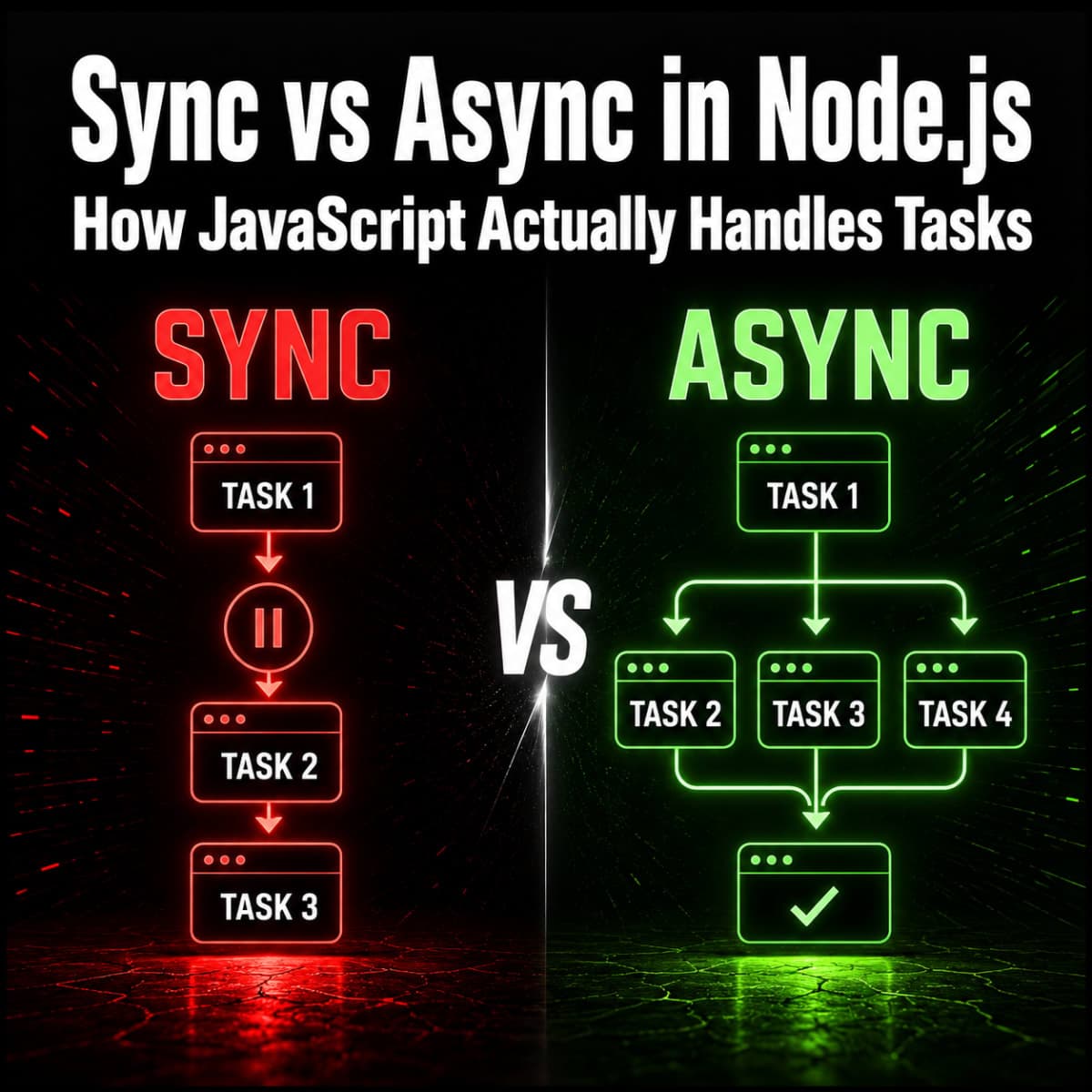
Synchronous and Asynchronous in Node.js - How JavaScript Actually Handles Tasks
One of the most important concepts in Node.js and one of the most misunderstood. Covers the event loop, callbacks, Promises, and async/await with real examples.

What is CORS and How to Fix It in Express - Properly Explained
CORS errors are one of the most searched JavaScript errors. This blog explains what CORS actually is, why browsers enforce it, what preflight requests are, and how to configure it correctly in Express.
Comments
Sign in to join the conversation