


HTTP vs HTTPS: How HTTPS Actually Keeps Your Data Safe
HTTP and HTTPS look almost identical, just one letter apart, but the difference between them matters a lot - for security, for user trust, and even for SEO. This blog explains what each one actually does, how HTTPS keeps your data safe using encryption, and what happens behind the scenes
You've seen the little padlock icon next to a website's address a thousand times. Most people never think about it. But that tiny icon is actually telling you something important about how your data is traveling across the internet, right now, while you read this page.
That padlock is the difference between HTTP and HTTPS. It looks like a small detail, just one letter, but it changes everything about how safe your data is. This blog explains what HTTP and HTTPS actually are, how HTTPS keeps your data safe, and why this matters for every website, including the ones you'll build yourself.
[IMAGE: A dark background diagram showing two envelopes side by side - one open postcard labeled HTTP with visible text on it, one sealed locked envelope labeled HTTPS with a padlock icon]
What is HTTP?
HTTP stands for HyperText Transfer Protocol. In simple words, it's the set of rules that your browser and a website's server use to talk to each other. Every time you open a website, your browser sends an HTTP request asking for that page, and the server sends back an HTTP response with the actual content.
Browser: "Give me the homepage of this website."
Server: "Here it is, here's the HTML, CSS, and everything else you need."
This request and response happen every single time you load a page, click a link, or submit a form. HTTP has been around since the early days of the internet, and it works well for sending and receiving data. But it has one big problem.
The problem with HTTP
HTTP sends data as plain text. That means the data is not hidden or protected in any way while it travels from your browser to the server. Think of it like writing a message on a postcard. Anyone who handles that postcard along the way, at the post office, in transit, wherever, can simply read what's written on it.
The same thing happens with HTTP. If you log into a website over plain HTTP, and someone is watching the network traffic between your device and that server, they can potentially see your username, your password, or any other data you typed in, exactly as you typed it. This is especially risky on public WiFi, like at a cafe or airport, where anyone on the same network could be watching.
This isn't a small or unlikely risk. It's the exact reason HTTPS exists.
What is HTTPS?
HTTPS stands for HyperText Transfer Protocol Secure. It does the exact same job as HTTP, sending requests and responses between your browser and a server, but it adds one important thing: encryption.
Going back to the postcard idea, HTTPS is like putting your message inside a locked box before sending it, instead of writing it on an open postcard. Even if someone intercepts the box along the way, they can't read what's inside without the key. Only your browser and the actual server have the key needed to unlock and read the real content.
How does HTTPS actually keep data safe?
HTTPS uses something called SSL/TLS to encrypt the data. SSL stands for Secure Sockets Layer, and TLS stands for Transport Layer Security. TLS is the newer, more secure version, and it's what modern websites actually use today, even though people still say "SSL" out of habit.
Here's what happens in simple steps when your browser connects to a website using HTTPS.
Step 1: The handshake begins. Your browser reaches out to the server and says, essentially, "I want to talk to you securely."
Step 2: The server shows its certificate. The server sends back something called an SSL/TLS certificate. This certificate proves the server is actually who it claims to be, issued by a trusted organization called a Certificate Authority. Your browser checks this certificate to make sure it's valid and not fake.
Step 3: Keys get exchanged. Your browser and the server agree on a secret encryption key that only the two of them know, using a process that keeps this key hidden from anyone else watching the connection.
Step 4: Encrypted communication begins. From this point on, every request and response between your browser and the server is scrambled using that key. Anyone intercepting the traffic just sees a jumble of unreadable characters, not your actual data.
This entire process, called the TLS handshake, happens in a fraction of a second, before the actual page even starts loading. You never see it happen, but it's the reason the padlock icon shows up in your address bar.
[IMAGE: A dark background diagram showing the four handshake steps as a simple numbered flow between a browser icon on the left and a server icon on the right, with a certificate icon appearing at step 2 and a lock icon appearing at step 4]
HTTP vs HTTPS - the key differences
HTTP | HTTPS | |
|---|---|---|
Data | Sent as plain, readable text | Sent as encrypted, scrambled text |
Security | No encryption, data can be read by anyone watching | Encrypted using SSL/TLS |
Port used | Port 80 | Port 443 |
Certificate | Not required | Requires an SSL/TLS certificate |
Browser indicator | No padlock, often shows "Not Secure" | Shows a padlock icon |
Speed | Slightly faster, no encryption overhead | Very slightly slower, but the difference is barely noticeable today |
Why does this actually matter?
If you're building a website, HTTPS isn't optional anymore, and there are a few real reasons why.
User trust. Modern browsers actively warn people when a site is using plain HTTP, especially if there's a login form or payment field on the page. Seeing "Not Secure" next to a website's address makes most people leave immediately.
Protecting real data. Any time your site handles passwords, payment details, or personal information, HTTPS is the only thing standing between that data and anyone watching the network. If you're working with logins, our
JWT authentication guide is a good next read, since tokens sent over plain HTTP can be intercepted just as easily as passwords can.Search rankings. Search engines like Google use HTTPS as one of the signals when ranking websites. A site using plain HTTP can rank lower than an identical site using HTTPS, purely because of this.
It's mostly free now. Getting an SSL/TLS certificate used to cost money and take effort to set up. Today, services like Let's Encrypt provide free certificates, and most hosting providers set up HTTPS automatically. There's very little reason left to use plain HTTP for a real website.
A common misconception
A lot of beginners think HTTPS means a website is completely safe and trustworthy. That's not quite true. HTTPS only guarantees that the data between your browser and that specific server is encrypted while it travels. It says nothing about whether the website itself is honest, safe, or free of scams. A fake website can absolutely have HTTPS and a padlock icon too. HTTPS protects your data in transit, not the intentions of the website you're sending it to.
Interview Questions
What is the main difference between HTTP and HTTPS? HTTP sends data as plain, unencrypted text, while HTTPS encrypts the data using SSL/TLS before sending it, protecting it from anyone watching the network.
What port does HTTPS use, and how is it different from HTTP? HTTPS uses port 443, while HTTP uses port 80. The port itself doesn't provide security, but it's the default channel browsers use to know a site expects an encrypted connection.
What is a TLS handshake? It's the process where a browser and server agree to communicate securely. It involves the server proving its identity with a certificate, and both sides agreeing on a shared encryption key, all before any actual page data is sent.
Can a website with HTTPS still be unsafe? Yes. HTTPS only encrypts the connection between your browser and the server. It doesn't guarantee the website itself is trustworthy. A scam or phishing site can still have a valid HTTPS certificate.
Why do search engines prefer HTTPS websites? Because HTTPS protects user data, search engines like Google treat it as a ranking signal, generally favoring HTTPS sites over identical HTTP ones.
Wrapping up
HTTP and HTTPS do the same basic job, moving data between your browser and a server. The difference is that HTTPS wraps that data in encryption, so it can't be read by anyone in between. What used to be an optional upgrade for websites is now close to a requirement, both for protecting real user data and for how search engines and browsers treat your site. If you're building anything that handles a login, a form, or any kind of personal data, HTTPS isn't a nice-to-have anymore, it's the baseline.
If you want to go deeper into what happens after the connection is secure, when your server actually responds to a request, our
HTTP Status Codes Explained post is a natural next read. And if your API sits on a different domain than your frontend, our What is CORS guide covers a very related, and very commonly confused, topic.Related Articles
More insights you might enjoy

HTTP Status Codes Explained - What They Actually Mean and Why Developers Should Know Them
Most developers know 200 and 404. But understanding the full range - and when to use them in your own APIs - makes you a noticeably better backend developer.

JavaScript Closures - The Concept Interviewers Actually Test
Closures are one of the most asked-about JavaScript concepts in interviews, and also one of the most misunderstood. This blog explains what a closure actually is, why functions can remember variables from outside their own scope, and where closures show up in real code

Higher-Order Functions in JavaScript
Higher-order functions are one of the most important ideas in JavaScript, and you're probably already using them without realizing it. This blog explains what makes a function "higher-order," why they matter, and how methods like map, filter, and setTimeout all rely on this same simple idea.

React vs Next.js: What's Actually Different and When to Use Which
React and Next.js are often confused - one is a UI library, the other is a full framework built on top of it. This post breaks down the real differences: rendering strategies, routing, API routes, and when to pick one over the other.
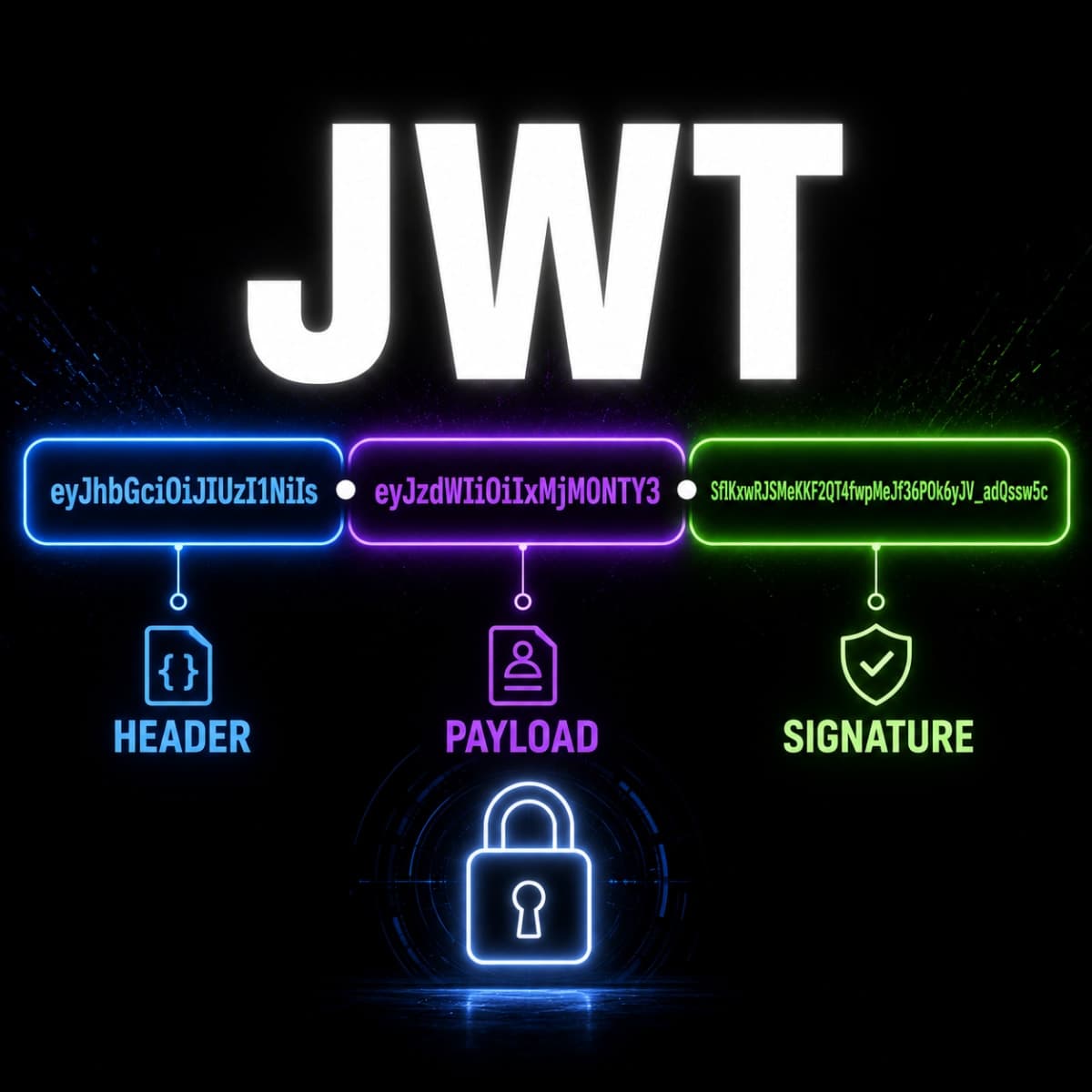
How JWT Authentication Actually Works - Explained Properly
Most developers use JWT without really understanding how it works. This blog explains what's inside a JWT, how signature verification works without a database call, and how to implement it properly in Express with refresh tokens and role-based authorization.

How the 'this' Keyword Works in JavaScript
The 'this' keyword confuses almost every JavaScript developer at some point because its value depends on how a function is called, not where it's written. This blog breaks down 'this' in every context - global scope, object methods, arrow functions, classes, and event handlers
Comments
Sign in to join the conversation