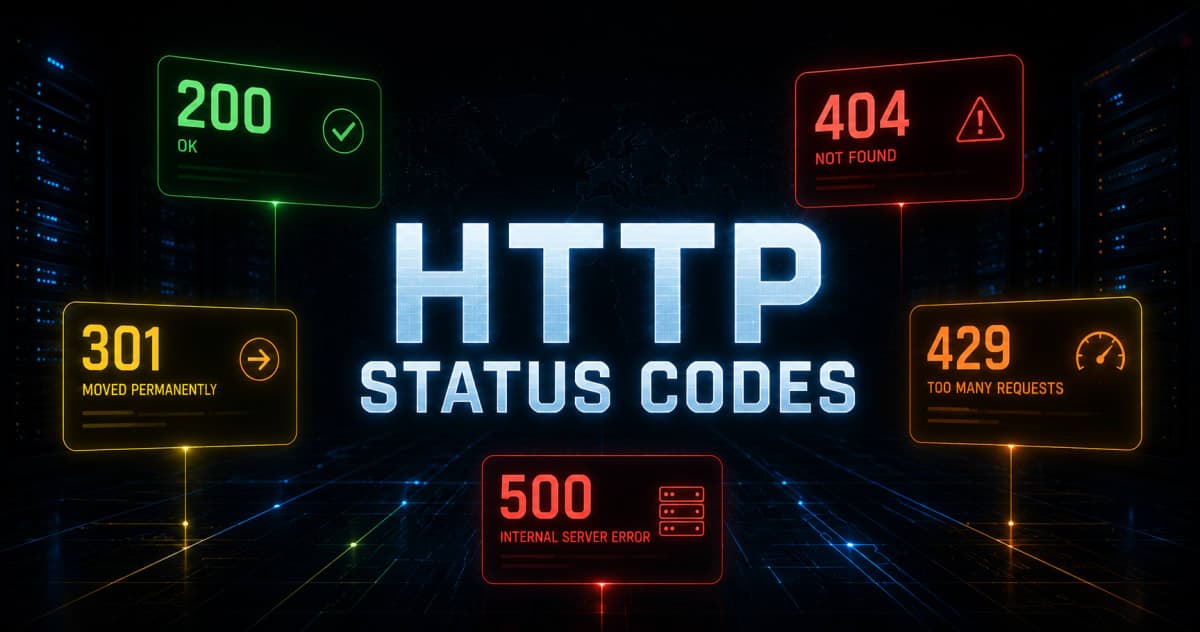
HTTP Status Codes Explained - What They Actually Mean and Why Developers Should Know Them
Most developers know 200 and 404. But understanding the full range - and when to use them in your own APIs - makes you a noticeably better backend developer.
HTTP Status Codes Explained — What They Actually Mean and Why Developers Should Know Them
If you've built even one API or made a fetch call in your frontend code, you've seen status codes. A 200 here, a 404 there, maybe a 500 that made you panic for a minute. But most developers just check "is it 200?" and move on. Understanding what the rest of them mean — and when to use which ones in your own APIs — is genuinely useful knowledge.
This isn't a reference page. By the end of this, you'll actually understand the pattern behind status codes, know the important ones well, and have a clear mental model for all the rest.
The Basic Idea: Status Codes Are the Server Talking Back to You
Every time your browser or app makes an HTTP request — loading a page, calling an API, submitting a form — the server sends back a response. That response always includes a status code: a 3-digit number that tells you what happened.
The first digit of the code tells you which category it falls into. That's the mental model worth remembering:
1xx — Informational (the request is in progress)
2xx — Success (something worked)
3xx — Redirection (go somewhere else)
4xx — Client error (you did something wrong)
5xx — Server error (the server did something wrong)
Once this clicks, you can make a reasonable guess at any status code you've never seen before just from its first digit. Let's go through each category properly.
2xx — Success Codes
These mean the request worked. But "worked" can mean different things depending on what you were trying to do.
200 OK
The most common one. The request succeeded and the server is sending back the data you asked for.
GET /api/users/1
→ 200 OK
{ "id": 1, "name": "Rahul", "email": "rahul@example.com" }
Use 200 when a GET request succeeds and returns data, or when an action completed and you're returning something back.
201 Created
The request succeeded and something new was created on the server. You'll see this after a POST request that creates a new record — a new user, a new post, a new order.
POST /api/users
Body: { "name": "Priya", "email": "priya@example.com" }
→ 201 Created
{ "id": 42, "name": "Priya", "email": "priya@example.com" }
A lot of developers return 200 for everything, including after creating something. That works but 201 is more accurate — it specifically tells the client "a new resource was created." Good APIs use this distinction.
204 No Content
The request succeeded but there's nothing to send back. Common for DELETE requests or updates where you don't need to return the updated object.
DELETE /api/users/1
→ 204 No Content
(empty response body)
The key thing here: 204 means success — just with no response body. Don't confuse the empty body for an error.
Other 2xx codes worth knowing briefly
202 Accepted— The request was received and will be processed, but not yet done. Useful for async jobs (like sending an email or processing a video).206 Partial Content— Used when returning part of a file, like when streaming video or resuming a download.
3xx — Redirection Codes
These mean "the thing you're looking for is somewhere else." The browser or client is expected to follow up with a new request to the correct location.
301 Moved Permanently
The resource has permanently moved to a new URL. The server tells the client the new URL via a Location header. Browsers remember this — they'll go straight to the new URL next time without asking.
This is what happens when a website changes its domain or URL structure. Google and other search engines also transfer SEO value when they see a 301.
GET /old-url
→ 301 Moved Permanently
Location: https://example.com/new-url
302 Found (Temporary Redirect)
Same idea as 301, but the move is temporary. The client should keep using the original URL for future requests. SEO value doesn't transfer with a 302.
You'll see this in login flows — after a user logs out, they get redirected to the login page temporarily.
304 Not Modified
This one is about caching. When a browser already has a cached version of a resource, it can ask the server "has this changed since I last fetched it?" If nothing changed, the server responds with 304 Not Modified and sends no body — the browser uses its cached version. This saves bandwidth and speeds things up.
4xx — Client Error Codes
These mean the request had a problem — and that problem is on the client's side. Wrong URL, missing authentication, bad data in the request body. The server understood the request, it just can't or won't fulfill it as sent.
400 Bad Request
The server couldn't understand the request because something about it was malformed or invalid. This usually means the client sent bad data.
POST /api/users
Body: { "name": "" } ← empty name
→ 400 Bad Request
{ "error": "Name cannot be empty" }
Use 400 when the input validation fails — missing required fields, wrong data types, values out of range. Always include a helpful error message explaining what went wrong.
401 Unauthorized
Despite the name, this actually means unauthenticated — the request requires a valid identity, and the client hasn't provided one (or the token is expired/invalid).
GET /api/profile
(no token provided)
→ 401 Unauthorized
{ "error": "Authentication required" }
The key distinction: 401 means "I don't know who you are." The fix is to log in and get a valid token.
403 Forbidden
This means the server knows who you are (you're authenticated), but you're not allowed to do what you're trying to do. You don't have permission.
DELETE /api/admin/users/5
(logged in, but not an admin)
→ 403 Forbidden
{ "error": "You don't have permission to do this" }
401 vs 403 trips up a lot of developers. Simple way to remember it:
401— Who are you? Log in first.403— I know who you are. You're just not allowed.
404 Not Found
The most famous one. The resource doesn't exist at the URL you requested. Could be a page, an API endpoint, or a specific record.
GET /api/users/9999
→ 404 Not Found
{ "error": "User not found" }
One thing worth noting: you should return 404 when a specific resource doesn't exist (like a user ID that's not in your database), but not when an endpoint itself doesn't exist — that's also technically a 404, but it feels different. Some APIs use 404 for both, which is fine.
405 Method Not Allowed
The endpoint exists, but not for the HTTP method you used. You called GET on something that only accepts POST, for example.
DELETE /api/login
→ 405 Method Not Allowed
408 Request Timeout
The server waited too long for the client to send the request and gave up. Less common but you'll see it in slow network conditions.
409 Conflict
The request couldn't be completed because it conflicts with the current state of the resource. A classic example: trying to register with an email that already exists.
POST /api/users
Body: { "email": "existing@example.com" }
→ 409 Conflict
{ "error": "An account with this email already exists" }
410 Gone
Similar to 404, but this one specifically means the resource existed before and has been permanently deleted. 404 means "not found" (could be a typo, could never have existed). 410 says "it was here, now it's gone for good."
422 Unprocessable Entity
The request was well-formed (valid JSON, correct headers) but the server couldn't process it because of semantic errors in the data.
You'll often see 422 in APIs that have strict validation — the JSON parsed fine, but the values inside didn't make logical sense.
POST /api/bookings
Body: { "checkIn": "2024-12-25", "checkOut": "2024-12-20" }
→ 422 Unprocessable Entity
{ "error": "Check-out date must be after check-in date" }
Some developers use 400 for this. Both are acceptable — just be consistent in your own API.
429 Too Many Requests
The client has sent too many requests in a given time window. This is rate limiting in action.
GET /api/search?q=phones
→ 429 Too Many Requests
{ "error": "Rate limit exceeded. Try again in 60 seconds." }
Good APIs also send a Retry-After header telling the client how long to wait. If you're building a public API, implementing rate limiting and returning 429 properly is important.
5xx — Server Error Codes
These mean something went wrong on the server's side. The request was fine — the server just failed to handle it. These are the ones that wake developers up at 2am.
500 Internal Server Error
The generic "something broke on the server" code. An unhandled exception, a crash in your code, a null pointer you didn't account for — all of these typically result in a 500.
GET /api/users
→ 500 Internal Server Error
{ "error": "Something went wrong. We're looking into it." }
When you get a 500 as a client, it's not your fault — the server has a bug. When you're the one building the server, a 500 means you have an unhandled error somewhere that needs fixing.
Never expose stack traces or internal error details in a 500 response in production. Log them on the server, return a generic message to the client.
502 Bad Gateway
Your server is acting as a proxy or gateway (like Nginx in front of your Node.js app), and the upstream server it's talking to returned an invalid response.
You'll see this often during deployments when the app server restarts and Nginx briefly can't reach it.
503 Service Unavailable
The server is temporarily unable to handle requests — either it's down for maintenance or it's overloaded. Unlike 500, this is usually expected and temporary.
Good practice is to include a Retry-After header so clients know when to try again.
504 Gateway Timeout
Similar to 502, but specifically means the upstream server didn't respond in time. If your Node.js app takes too long to respond and Nginx gives up waiting, the client gets a 504.
Quick Reference — All the Important Ones
Code | Name | Meaning |
|---|---|---|
200 | OK | Request succeeded, here's the data |
201 | Created | New resource created successfully |
204 | No Content | Success, nothing to return |
301 | Moved Permanently | Resource permanently at new URL |
302 | Found | Temporary redirect |
304 | Not Modified | Use your cached version |
400 | Bad Request | Invalid or malformed request data |
401 | Unauthorized | Not authenticated — log in first |
403 | Forbidden | Authenticated but not permitted |
404 | Not Found | Resource doesn't exist |
405 | Method Not Allowed | Wrong HTTP method for this endpoint |
409 | Conflict | Conflicts with current state |
422 | Unprocessable Entity | Valid format, invalid data logic |
429 | Too Many Requests | Rate limit hit |
500 | Internal Server Error | Bug or crash on the server |
502 | Bad Gateway | Upstream server sent bad response |
503 | Service Unavailable | Server down or overloaded |
504 | Gateway Timeout | Upstream server didn't respond in time |
A Pattern to Remember for Your Own APIs
When you're building an API, picking the right status code matters. It makes your API easier to work with because clients can handle responses predictably. Here's a simple pattern to follow:
GET something that exists →
200POST to create something →
201DELETE or PUT with no return data →
204Input validation fails →
400or422No auth token / expired token →
401Valid token, wrong permissions →
403Record not found →
404Duplicate data conflict →
409Rate limited →
429Your code crashed →
500
You don't need to use every status code that exists. A consistent, predictable set of codes used correctly is far better than using 20 different codes inconsistently.
One Last Thing
Status codes are part of a wider HTTP standard — they're not invented by any framework or language. Whether you're building with Node.js, Django, Laravel, Spring Boot, or Go — the codes mean the same thing everywhere. Learning them once means you carry that knowledge across every backend you ever work with.
Next time you see a 502 or a 422, you won't have to Google it.
Title: HTTP Status Codes Explained — What They Actually Mean and Why Developers Should Know Them
URL: www.codekk.dev/blog/http-status-codes-explained
Description: Most developers know 200 and 404. But understanding the full range of HTTP status codes — and when to use them in your own APIs — makes you a noticeably better backend developer. This guide covers all the important ones properly.
Tags: http, status-codes, api, backend, web-development, rest-api, developer-guide, networking, 401-vs-403, 500-error
Blog Category: Backend / Web Fundamentals
Comments
Sign in to join the conversation
Related Articles
More insights you might enjoy