Home/Blog/React vs Next.js: What's Actually Different and When to Use Which
React vs Next.js: What's Actually Different and When to Use Which
9 min readJun 5, 2026

React vs Next.js: What's Actually Different and When to Use Which

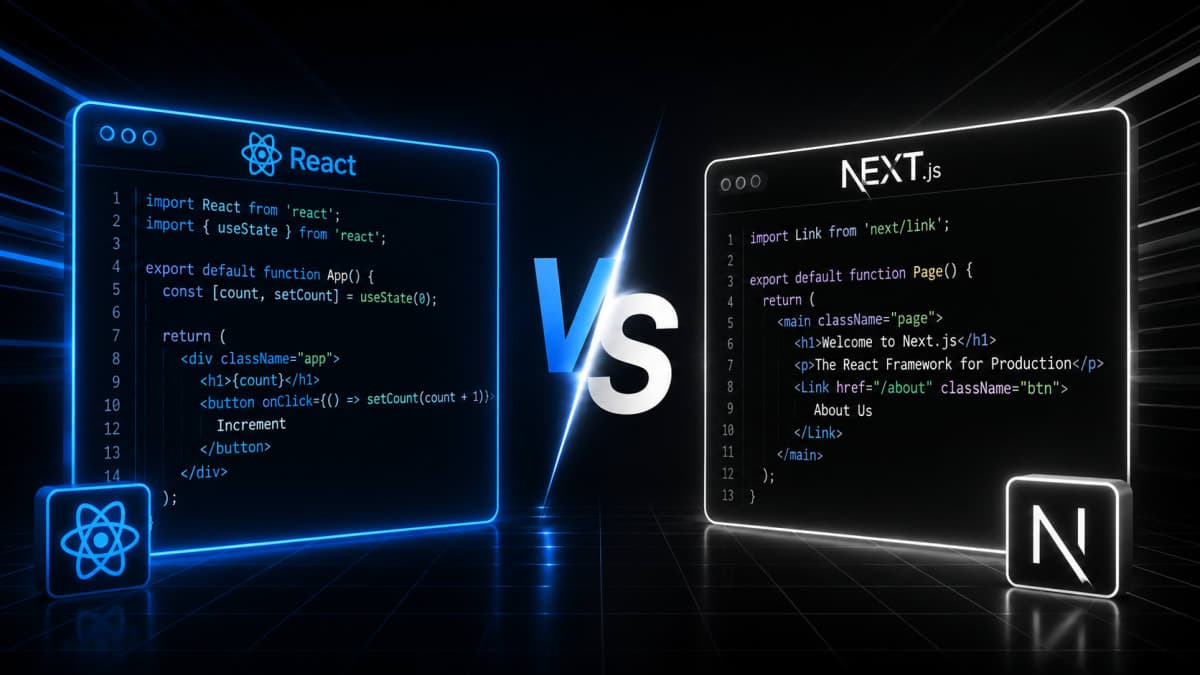
React and Next.js are often confused - one is a UI library, the other is a full framework built on top of it. This post breaks down the real differences: rendering strategies, routing, API routes, and when to pick one over the other.

84 views0 likes0 comments0 bookmarks

React vs Next.js — A Proper Explanation for Developers Who Want to Actually Understand It

If you've been learning frontend development — whether through YouTube, tutorials, or just building projects — you've probably run into both React and Next.js. And at some point, someone probably told you "Next.js is better than React" or "Next.js is just React with extra stuff."

Neither of those is completely right. Let's build a proper understanding from scratch.


First, Understand What React Actually Is

React is a JavaScript library created by Meta (Facebook). Its one job is to help you build user interfaces — the visual parts of a web app that users interact with.

When you write React, you're writing components — small, reusable pieces of UI. A button is a component. A navbar is a component. A product card is a component. React lets you combine these components to build a full interface.

function WelcomeCard({ name }) {
  return (
    <div className="card">
      <h2>Hello, {name}!</h2>
      <p>Welcome to the dashboard.</p>
    </div>
  );
}

That's the core idea. React doesn't care about routing, data fetching strategy, folder structure, or how you deploy. It just handles the UI layer.

How React Renders Pages (Client-Side Rendering)

By default, React works with something called Client-Side Rendering (CSR).

Here's what happens when someone visits a React app:

  1. The browser requests the page from the server

  2. The server sends back a nearly empty HTML file — basically just a <div id="root"></div>

  3. The browser downloads your JavaScript bundle (which can be large)

  4. React runs in the browser, fetches data from APIs, and builds the page

So the user sees a blank screen first, then the content appears. This is fine for apps where users are already logged in — dashboards, admin panels, internal tools. But for a public website? That blank screen is a problem.

React's Virtual DOM

One of React's key concepts is the Virtual DOM. Instead of updating the actual browser DOM every time something changes (which is slow), React first updates a virtual copy of the DOM in memory, compares it with the previous version, figures out what changed, and then updates only those specific parts in the real DOM.

This makes React apps fast and efficient, especially when dealing with lots of dynamic data.

One-Way Data Flow

React uses one-way data binding — data flows from parent components down to child components through something called props.

// Parent passes data to Child
function Parent() {
  const user = { name: "Rahul", role: "Developer" };
  return <Child user={user} />;
}

function Child({ user }) {
  return <p>{user.name} is a {user.role}</p>;
}

The child receives data but cannot directly modify the parent's data. This makes your app's data flow predictable and easier to debug.


So What Problem Does Next.js Solve?

React is great — but when you start building real production apps, you quickly run into problems:

  • SEO doesn't work well — search engines struggle with pages that render in the browser

  • Routing is not included — you have to install and configure react-router yourself

  • No built-in way to write backend code — you need a separate server

  • Performance on first load — users see a blank screen while JavaScript loads

  • No standard folder structure — every team does things differently

Next.js was built by Vercel specifically to solve these problems. It's a framework built on top of React. You still write React components, you still use hooks — but Next.js adds a full structure and set of features around your React code.

Think of it this way: React is the engine. Next.js is the complete car.


The Biggest Difference: How Pages Are Rendered

This is the most important thing to understand. Next.js gives you multiple ways to render pages, and each serves a different purpose.

1. Client-Side Rendering (CSR)

Same as default React. The browser does all the work. Good for dashboards and private pages where SEO doesn't matter.

2. Server-Side Rendering (SSR)

The HTML is generated on the server for every request, before it reaches the browser. The user (and search engine crawlers) get a fully built page immediately.

// Next.js App Router - Server Component (SSR by default)
async function ProductPage({ params }) {
  const product = await fetch(`/api/products/${params.id}`).then(r => r.json());

  return (
    <div>
      <h1>{product.name}</h1>
      <p>{product.description}</p>
    </div>
  );
}

No blank screen. No waiting for JavaScript to load and fetch data. The page arrives ready.

3. Static Site Generation (SSG)

Pages are built once at deploy time and served as static HTML files. This is the fastest possible option because there's no server processing — the file just gets delivered directly.

Perfect for blogs, documentation, marketing pages, anything that doesn't change with every request.

4. Incremental Static Regeneration (ISR)

This is a Next.js-specific feature that's genuinely clever. Pages are statically generated, but Next.js can regenerate them in the background after a set time. So you get the speed of static pages, but your content stays fresh without a full rebuild.

// Revalidate this page every 60 seconds
export const revalidate = 60;

In plain React, none of this exists out of the box. You'd have to build it yourself or reach for other libraries.


Routing: Manual in React, Automatic in Next.js

In a plain React app, routing doesn't exist by default. You install react-router-dom and configure everything manually:

// React with react-router-dom
import { BrowserRouter, Routes, Route } from 'react-router-dom';

function App() {
  return (
    <BrowserRouter>
      <Routes>
        <Route path="/" element={<Home />} />
        <Route path="/about" element={<About />} />
        <Route path="/blog/:slug" element={<BlogPost />} />
      </Routes>
    </BrowserRouter>
  );
}

In Next.js, routing comes from your file system. You create a file, and the route exists automatically.

app/
├── page.tsx          → /
├── about/
│   └── page.tsx      → /about
└── blog/
    └── [slug]/
        └── page.tsx  → /blog/any-slug-here

No configuration needed. The structure of your folders is the structure of your routes. For dynamic routes like /blog/react-vs-nextjs, you just create a folder with [slug] in the name.


API Routes: Write Backend Code in the Same Project

This is something Next.js offers that React simply can't — because React is only a frontend library.

In Next.js, you can create API endpoints inside your project:

// app/api/users/route.ts
export async function GET(request) {
  const users = await db.query("SELECT * FROM users");
  return Response.json(users);
}

Now you have a working API at /api/users — without setting up a separate backend server. For small to medium projects, this is a huge convenience. You're writing full-stack code in one place.


Performance Features Built Into Next.js

Next.js includes several performance optimizations that you'd otherwise have to configure yourself:

Automatic Code Splitting — Next.js only loads the JavaScript needed for the current page. If you're on the homepage, it doesn't load code for the settings page. This makes initial loads much faster.

Image Optimization — The built-in <Image> component automatically resizes images, serves modern formats like WebP, and lazy loads them.

import Image from 'next/image';

<Image
  src="/profile.jpg"
  width={500}
  height={300}
  alt="Profile photo"
/>

Font Optimization — Next.js handles Google Fonts in a way that eliminates layout shift and avoids extra network requests.

Fast Refresh — During development, when you edit a file, only that component updates in the browser. You don't lose your app state. This makes development noticeably faster.


What React Does Better

This isn't a one-sided comparison. There are real cases where plain React (usually with Vite) is the smarter choice:

You already have a backend. If your API is built in Django, Spring Boot, Laravel, or any other backend — you just need a frontend. Plain React works perfectly and keeps things simpler.

You're building a complex SPA. Think real-time collaborative tools, browser-based editors, games. Server rendering doesn't add much value here, and the extra Next.js structure can get in the way.

You want full control. React with Vite gives you a blank canvas. You decide everything. Next.js has opinions — which is mostly good, but sometimes you want to make your own decisions.

Learning React fundamentals. If you're still learning React itself — components, hooks, state, props — start with plain React. Adding Next.js on top before you understand React will cause confusion.


Limitations Worth Knowing

React limitations:

  • No built-in router, SSR, or API support — you have to set all of this up yourself

  • Poor SEO out of the box for public-facing apps

  • No standard project structure — different teams do things differently

Next.js limitations:

  • Steeper learning curve — especially the App Router with Server Components and Client Components

  • Opinionated — you do things Next.js's way, especially with routing and rendering

  • Vendor considerations — Next.js is maintained by Vercel, and some advanced features work best on Vercel's platform (though self-hosting is fully supported)

  • Overkill for simple projects — if you're building an internal tool, adding Next.js is unnecessary complexity


Side-by-Side Comparison

React

Next.js

Type

UI Library

Full Framework (built on React)

Rendering

Client-side only (by default)

SSR, SSG, ISR, CSR — you choose

Routing

Manual (react-router)

File-based, automatic

API Routes

No

Yes (built-in)

SEO

Weak by default

Strong

Image Optimization

Manual

Built-in

Code Splitting

Manual setup

Automatic

Learning Curve

Lower

Higher

Best For

SPAs, dashboards, internal tools

Public sites, blogs, full-stack apps


When to Use React vs Next.js

Choose plain React when:

  • You're building a private dashboard or internal tool

  • You already have a backend API and just need UI

  • You're still learning React fundamentals

  • You want a lightweight setup with full control

Choose Next.js when:

  • SEO matters — marketing pages, blogs, e-commerce, content sites

  • You want server-side or static rendering without setting it up yourself

  • You want to build both frontend and simple backend in one project

  • You're building something production-ready that needs performance optimization out of the box


The Final Word

React and Next.js are not competitors. Next.js is React — just with a lot more built around it. Every Next.js project is a React project at its core.

If you're just getting started, learn React first. Understand components, props, state, and hooks properly. Then pick up Next.js — and when you do, a lot of what it offers will make immediate sense because you'll understand the problems it's solving.

The goal isn't to pick the "better" one. The goal is to understand what each one does, and choose based on what your project actually needs.


Title: React vs Next.js — A Proper Explanation for Developers Who Want to Actually Understand It

URL: www.codekk.dev/blog/react-vs-nextjs

Description: React and Next.js are not the same thing — and understanding the real difference changes how you build projects. This guide covers rendering strategies, routing, API routes, performance features, and when to actually use each one.

Tags: react, nextjs, javascript, frontend, web-development, ssr, ssg, csr, isr, routing, full-stack, beginner-friendly, developer-guide

Blog Category: Frontend Development

Comments

Sign in to join the conversation